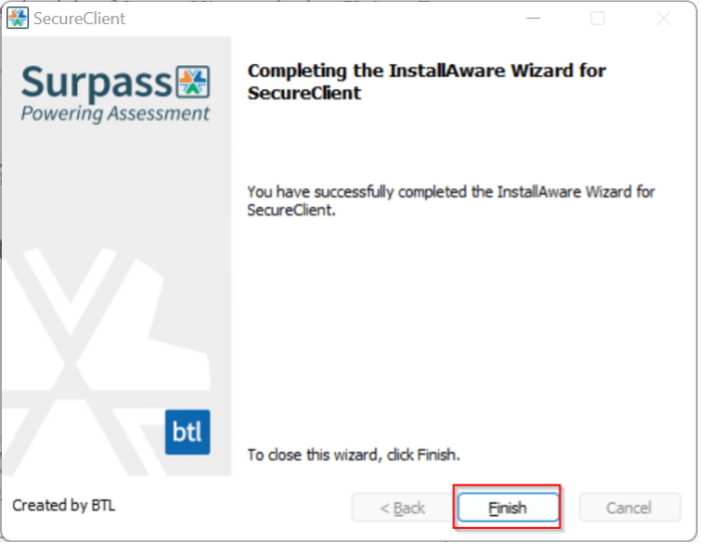
- Click the Start button
- Select Settings .
- Select Apps.
- Select SecureClient from the list of apps.
- Click Uninstall.
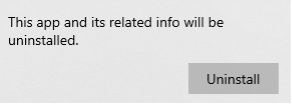
- Click Uninstall on the pop-up message.
Windows 10
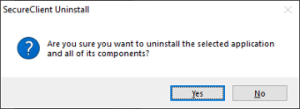
- Click Yes.
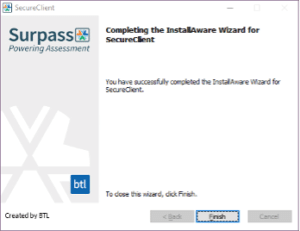
- Click Finish.
Windows 11
- Click the Start button
- Select Settings .
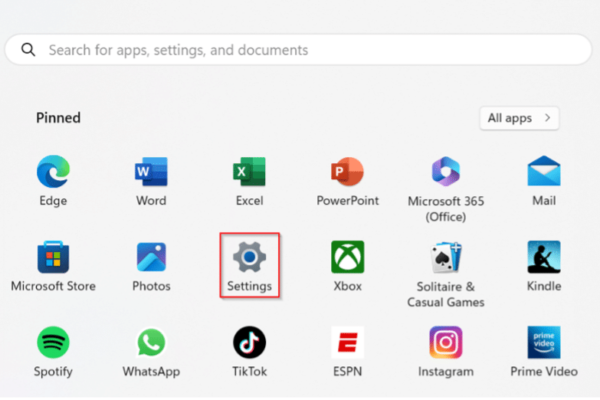
- Select the 3 bars in the top left corner.
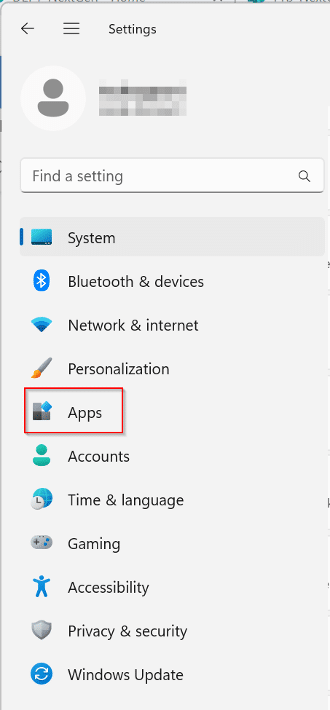
- Select Apps
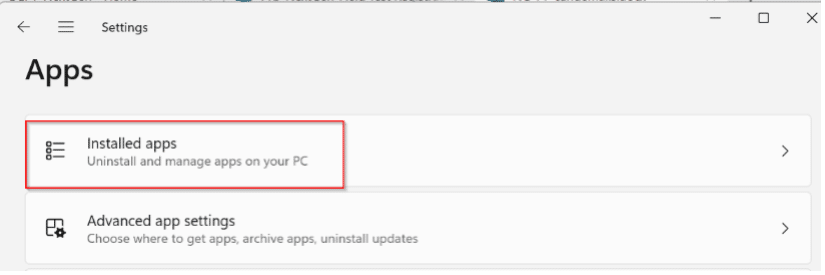
- Select Installed apps.
- Click the three dots to the right of SecureClient and select Uninstall.

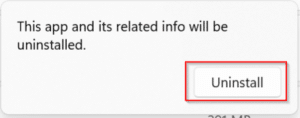
- Click the Uninstall button
- Click Yes if you see a “Do you want to allow this app from an unknown publisher to make changes to your device?” message.
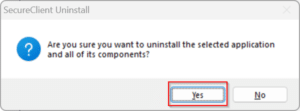
- Click Yes.
- Click Finish.