
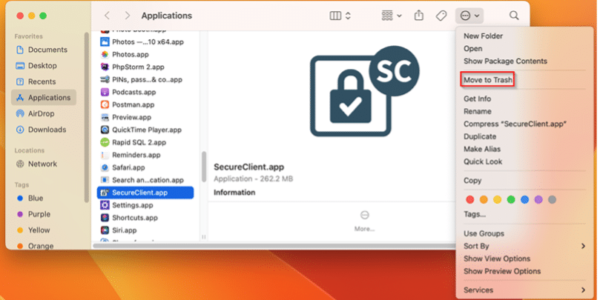
- Select Go from the menu bar.
- Select Applications.
- Select app from the list of applications.
- Select the More Options
- Select Move to Trash.
MacOS
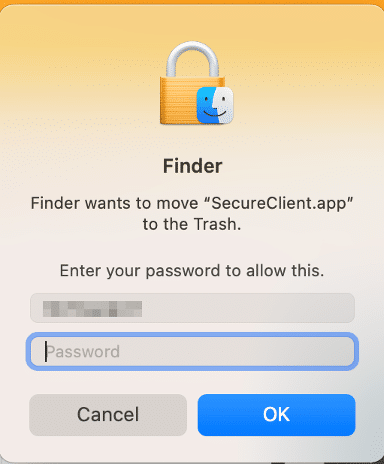
- If prompted, log in.
- After SecureClient has been removed, right-click the trash and select Empty Trash.

- Click the Empty Trash button to confirm.