-
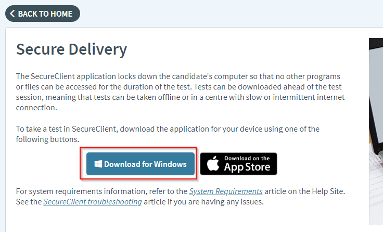
- Go to https://ncbe.surpass.com/LaunchTest/SecureDelivery.
- Click the Download for Windows button.
Windows 10 and Windows 11
Note: SecureClient requires Windows 10 or higher.
-
- Open the folder to which you downloaded the installer.
- Double-click SecureClientInstaller.msi.
- If you are prompted to allow the file to make changes to your system, click Yes.
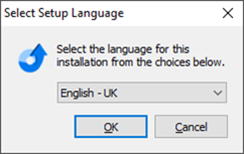
- Select your language and click OK.
-
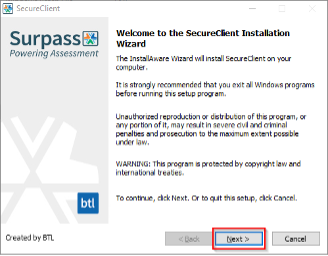
- Click Next.
-
- Click Next.
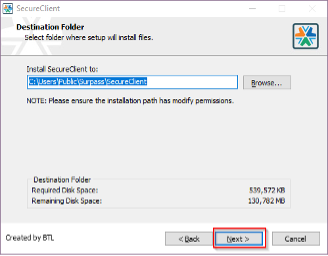
-
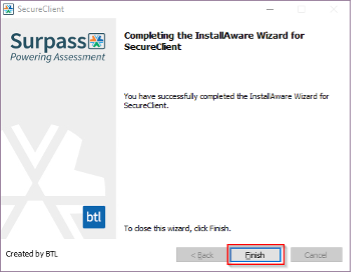
- Click Finish.